Amazon product image requirements for the main image
Amazon's main image has to sit on a pure white background (RGB 255, 255, 255) with the product taking up 85% of the image, and no text, logos, borders or watermarks. Images should be larger than 1,000 px on the longest side so shoppers can zoom. The tool below makes that photo on your own device.
| Background | Pure white, RGB 255, 255, 255 (main image) |
|---|---|
| Fill | The product should be about 85% of the image |
| Size | 500 to 10,000 px on the longest side; over 1,000 px enables zoom |
| Formats | JPEG, TIFF, PNG or non-animated GIF |
| Not allowed | Text, logos, borders, colour blocks, watermarks or other graphics on the product or background |
| Quality | Clear, no pixelation or jagged edges; images that miss the rules may be rejected, removed or altered |
Sources, read 8 Oct 2026: Amazon Seller Forums: Listings Lounge, Product Image Requirements; Amazon Seller Forums: Suppressed items (the main image rules quoted, Amazon staff reply).
Amazon's full rules (help page G1881 in Seller Central) need a seller login; the lines above are Amazon's wording as quoted on Amazon's own Seller Forums, where Amazon staff confirm the pure white background. Check the current page in your Seller Central account before you list.
Make yours here (free, nothing is uploaded)
Selling this? Studio lays every finished photo out at Amazon 2000×2000, Etsy 3000×2250, eBay 1600×1600 and Shopify 2048×2048 on pure white, with a soft shadow, in one ZIP. 3 photos a day are free. Open Studio ↓
Studio: marketplace-ready photos Snipbare Studio
Every finished photo × every size, in one ZIP. Sizes follow each marketplace's published photo guidance; check your marketplace's current rules before listing.
Have a Studio key?
Snipbare Studio
Background removal stays free. Studio turns each photo into every marketplace size at once (Amazon, eBay, Etsy, Shopify, Instagram, transparent PNG) with an optional soft shadow, for whole batches. Free users get 3 Studio photos a day to try it.
Card checkout by Stripe; your key appears the moment payment finishes, no account. 14-day money-back promise: if it doesn't work as described, email us within 14 days and we fix it or refund you in full (terms). For comparison, Photoroom Pro is $12.99/month or $7.50/month billed yearly, and remove.bg charges $9 for 40 images (their pricing pages, 1 Oct 2026); both process your photos on their servers.
Step by step
- Add your photos to the box above (drag them in, choose them, or paste one). Several at once is fine.
- Keep Best · products & objects selected. The first time, your browser downloads the model once (about 115 MB) and keeps it; the photos themselves are never uploaded.
- Check the before/after slider. Move the Edge slider right for crisp product outlines, left for fur or fabric.
- Free route: pick White, Product photo (square), size 2000, margin 8% and JPG, then download: a square, pure white, zoomable main image.
- Studio route: tick Amazon main image in Studio and export: 2000 × 2000 with the 85% fill, for a whole batch in one ZIP (3 photos a day free).
“Pure white” means 255, not “looks white”
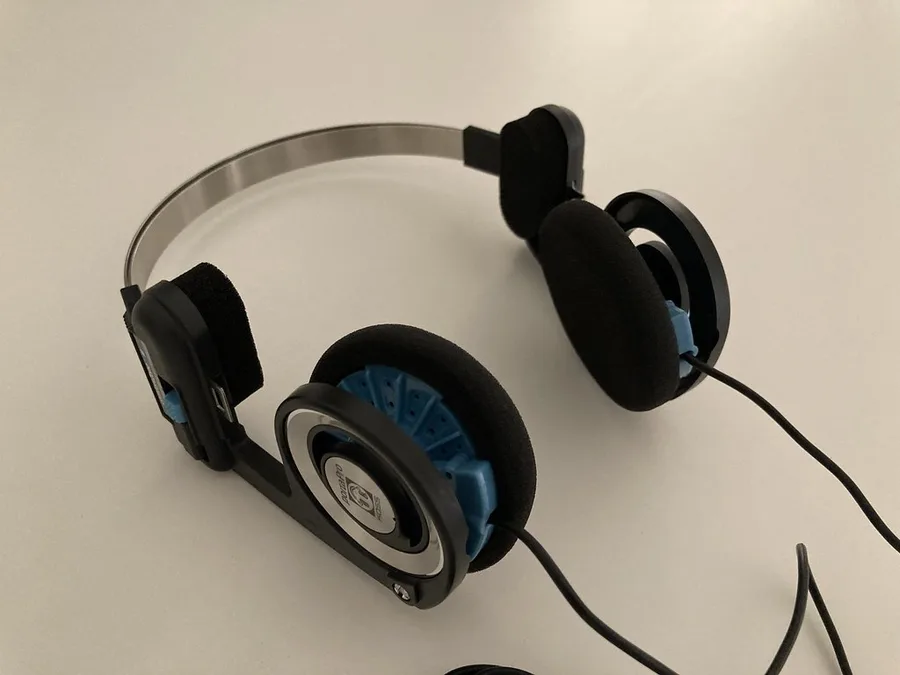
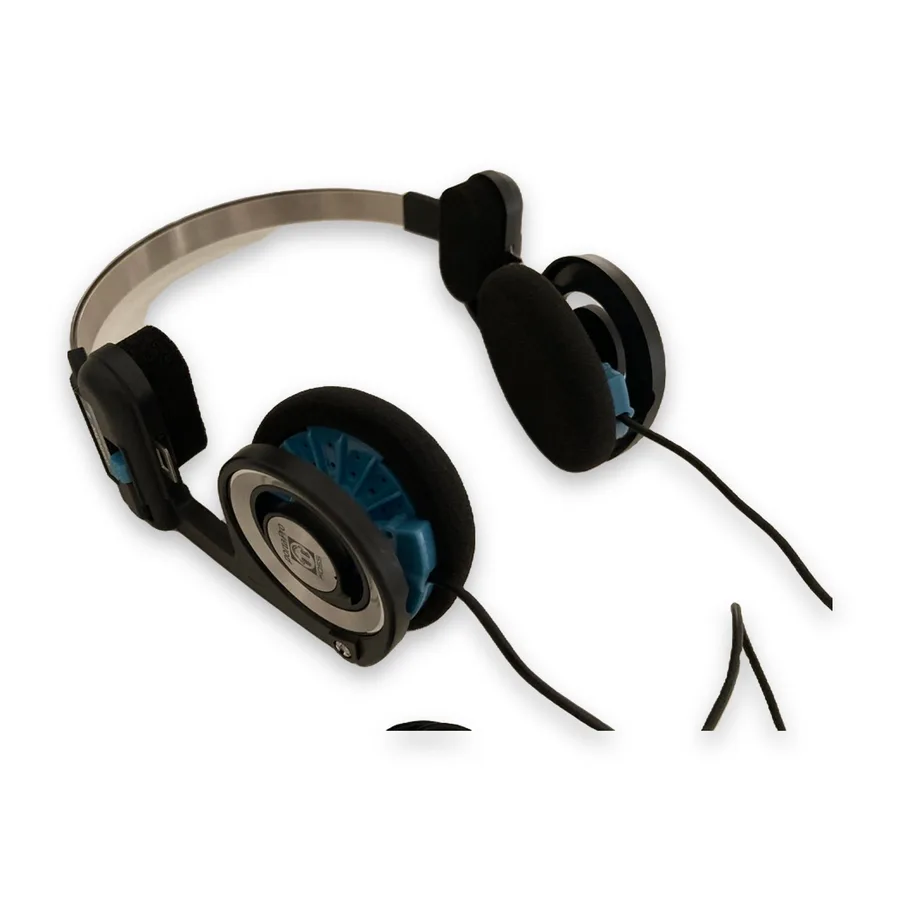
A phone photo on white card is usually light grey (around 230 to 245) once you check the pixels, and Amazon's listing checks can suppress a main image for that. Removing the background and placing the product on a generated canvas gives exact 255 white. We checked our Amazon export of the photo above: every pixel in a 20 px border around the edge is 255, 255, 255.
Filling 85% of the frame
The Amazon export scales the product so its longest side fills about 85% of a 2000 × 2000 canvas (ours measured 87% wide including the soft shadow). 2000 px is double Amazon's 1,000 px zoom threshold and well inside the 10,000 px maximum.
Shadows on the main image
Studio adds a soft shadow under the product by default, which many listings use. Amazon's text asks for a pure white background, so if a main image is ever flagged, untick Soft shadow and export again; the background stays pure white either way.
When the AI keeps too much
Free vs Studio
Free, unlimited, no account: background removal, transparent PNG, white/colour/blur backgrounds, square product photos from 1000 to 3000 px, batch and ZIP. Studio adds exact canvases for Amazon, Etsy (crop-safe 4:3), eBay, Shopify and Instagram plus a soft shadow, for every photo and every marketplace at once: $9.99 for 30 days (no renewal), $9 a month or $79 a year. 3 Studio photos a day are free to try. Photoroom Pro is $12.99/month or $7.50/month billed yearly, and remove.bg charges $9 for 40 images (their pricing pages, 1 Oct 2026); both process your photos on their servers.
Questions
What are Amazon's main image requirements?
A pure white background (RGB 255, 255, 255), the product filling about 85% of the image, no text, logos, borders, colour blocks or watermarks, and 500 to 10,000 px on the longest side, preferably over 1,000 px so zoom works.
What size should Amazon product images be?
Amazon accepts 500 to 10,000 px on the longest side and prefers over 1,000 px for zoom. 2000 × 2000 px is a common choice and is what the Snipbare Amazon export makes.
Can I use a transparent PNG as the Amazon main image?
Amazon's rule is a pure white background, so put the product on white. Snipbare exports the Amazon preset as a white JPG.
Are my product photos uploaded?
No. The background is removed by an AI model running in your browser; the photos stay on your device, which matters for unreleased products.
More marketplace guides
Etsy Photo Size 2026 · eBay Photo Requirements & Size (1600×1600) · Shopify Product Image Size · How to Make a White Background Product Photo, Free