How to make a white background product photo, free
You don't need a lightbox. Take the photo anywhere with good light, remove the background, and put the product on a generated pure white canvas at the size your marketplace asks for. The tool below does all three steps on your own device, so your photos are never uploaded.
| Amazon | Pure white RGB 255 main image, product ~85% of the frame, over 1,000 px for zoom |
|---|---|
| Etsy | At least 2000 px wide and high; no transparent PNGs; files over 1 MB may not upload |
| eBay | At least 500 px, about 1600 × 1600 recommended; white is generally best |
| Shopify | 2048 × 2048 for square images; up to 5000 × 5000, under 20 MB |
Sources, read 8 Oct 2026: Amazon Seller Forums: Listings Lounge, Product Image Requirements; Etsy Help: Requirements and Best Practices for Images in Your Etsy Shop; eBay Help: Adding pictures to your listings; Shopify Help Center: Product media types.
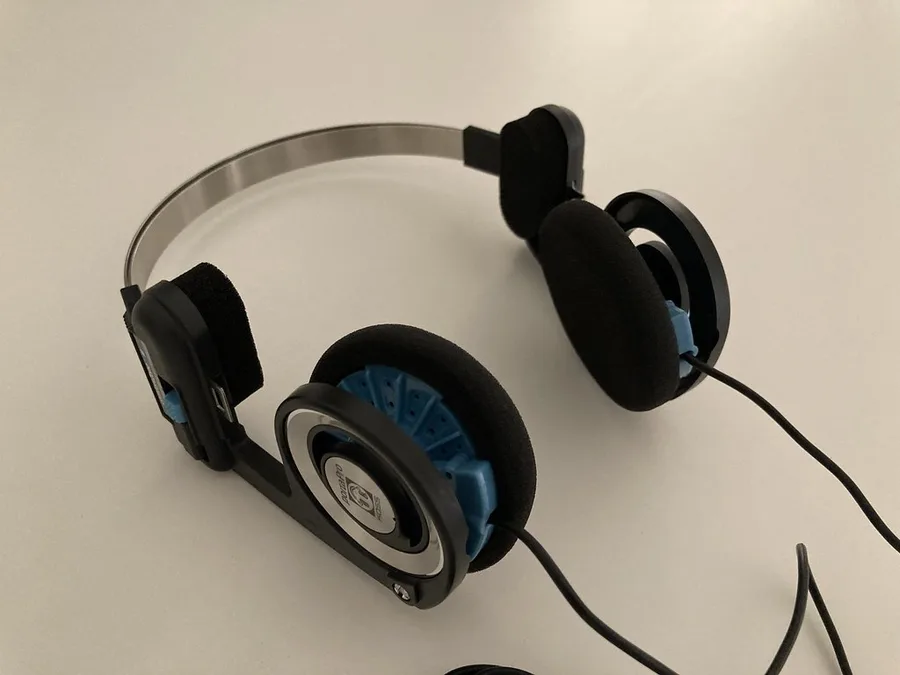
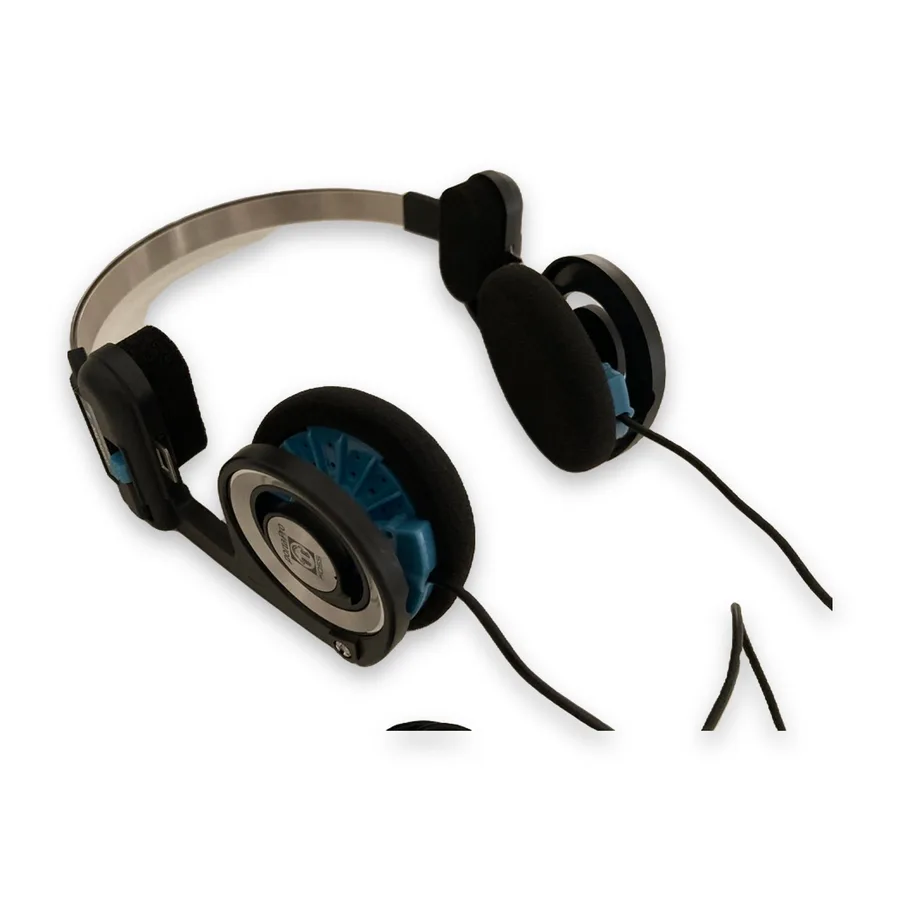
Make yours here (free, nothing is uploaded)
Selling this? Studio lays every finished photo out at Amazon 2000×2000, Etsy 3000×2250, eBay 1600×1600 and Shopify 2048×2048 on pure white, with a soft shadow, in one ZIP. 3 photos a day are free. Open Studio ↓
Studio: marketplace-ready photos Snipbare Studio
Every finished photo × every size, in one ZIP. Sizes follow each marketplace's published photo guidance; check your marketplace's current rules before listing.
Have a Studio key?
Snipbare Studio
Background removal stays free. Studio turns each photo into every marketplace size at once (Amazon, eBay, Etsy, Shopify, Instagram, transparent PNG) with an optional soft shadow, for whole batches. Free users get 3 Studio photos a day to try it.
Card checkout by Stripe; your key appears the moment payment finishes, no account. 14-day money-back promise: if it doesn't work as described, email us within 14 days and we fix it or refund you in full (terms). For comparison, Photoroom Pro is $12.99/month or $7.50/month billed yearly, and remove.bg charges $9 for 40 images (their pricing pages, 1 Oct 2026); both process your photos on their servers.
Step by step
- Add your photos to the box above (drag them in, choose them, or paste one). Several at once is fine.
- Keep Best · products & objects selected. The first time, your browser downloads the model once (about 115 MB) and keeps it; the photos themselves are never uploaded.
- Check the before/after slider. Move the Edge slider right for crisp product outlines, left for fur or fabric.
- Free route: pick White, Product photo (square), a size (1000 to 3000 px) and JPG, then download one photo or the whole batch as a ZIP.
- Selling on several marketplaces? In Studio tick them all and every photo comes out at every size, on white, in one ZIP (3 photos a day free).
Taking a photo the AI can cut out cleanly
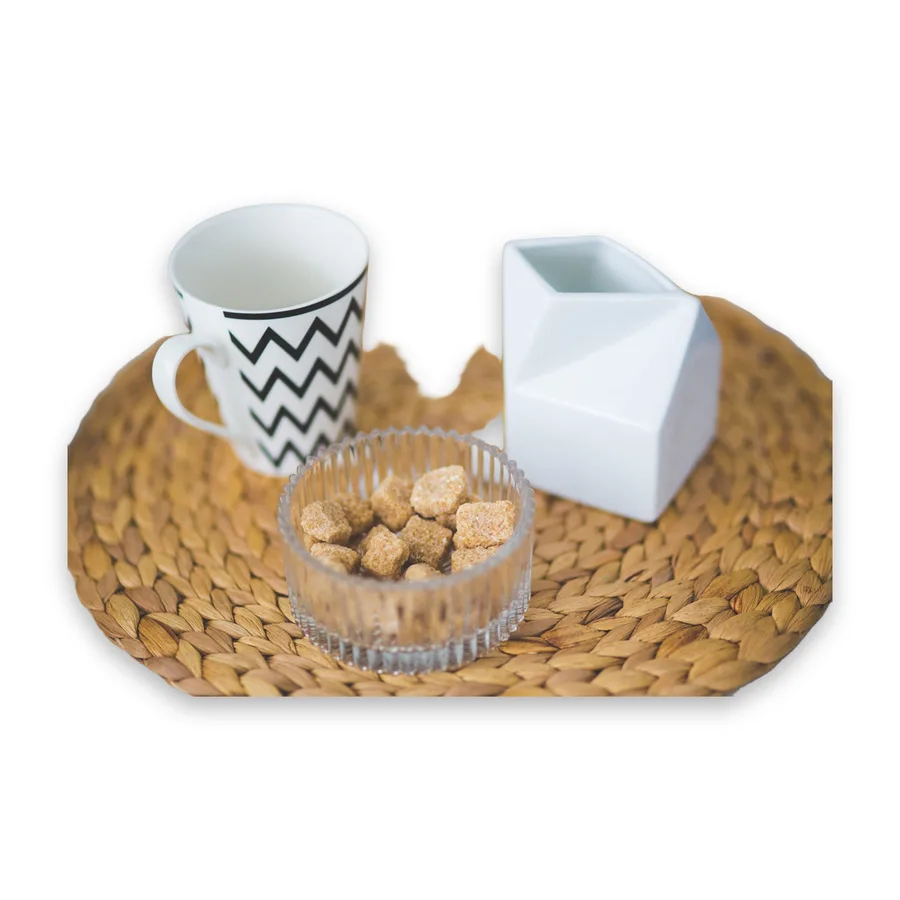
- One product, plain surface. The model looks for “the subject”. On a busy table it may keep everything on it (see the placemat below).
- Light from the side or a window, not the flash: flash makes hard reflections that look like holes in the product.
- Keep the whole product in the frame with space around it. A cable or strap that runs off the edge is cut straight at the edge.
- Contrast helps: a dark product on a light table or the other way round gives the cleanest edge.
Why not a white sheet or a lightbox?
They help, but the result is rarely the pure 255 white Amazon asks for: you still get grey corners, creases and shadows. Placing the cut-out product on a generated canvas gives exact white everywhere (we checked every border pixel of our Amazon export) and the same framing for every product.
Free tools compared
Photoroom Pro is $12.99/month or $7.50/month billed yearly, and remove.bg charges $9 for 40 images (their pricing pages, 1 Oct 2026); both process your photos on their servers. Snipbare removes backgrounds free and unlimited on your device. Studio, for exact sizes on every marketplace in one go, is $9.99 for 30 days, $9 a month or $79 a year, with no per-image credits. Side-by-side prices: Snipbare Studio vs the alternatives, vs Photoroom, vs remove.bg.
Guides for each marketplace
Amazon product image requirements · Etsy photo size · eBay photo requirements · Shopify product image size
Free vs Studio
Free, unlimited, no account: background removal, transparent PNG, white/colour/blur backgrounds, square product photos from 1000 to 3000 px, batch and ZIP. Studio adds exact canvases for Amazon, Etsy (crop-safe 4:3), eBay, Shopify and Instagram plus a soft shadow, for every photo and every marketplace at once: $9.99 for 30 days (no renewal), $9 a month or $79 a year. 3 Studio photos a day are free to try. Photoroom Pro is $12.99/month or $7.50/month billed yearly, and remove.bg charges $9 for 40 images (their pricing pages, 1 Oct 2026); both process your photos on their servers.
Questions
How do I make a product photo background white for free?
Add the photo to Snipbare, keep the Best model, pick White and Product photo, then download. It runs in your browser, so it is free and the photo is not uploaded.
Is a white background required on marketplaces?
Amazon requires a pure white background for the main image. eBay says white is generally best. Etsy and Shopify do not require it, but white keeps a shop consistent.
Can I use the photos commercially?
Yes. Your images are yours, and the AI models Snipbare uses (BiRefNet-lite, MIT; MODNet, Apache-2.0) allow commercial use.
Does it work on a phone?
Background removal works on phones. The Best model, which handles products, is a large download and runs best on a computer with Chrome or Edge.
More marketplace guides
Etsy Photo Size 2026 · Amazon Product Image Requirements · eBay Photo Requirements & Size (1600×1600) · Shopify Product Image Size