Shopify product image size: 2048 × 2048 and matching photos
For square product images Shopify says 2048 × 2048 px usually displays best. Images can be up to 5000 × 5000 px or 25 megapixels and must be under 20 MB. The tool below makes 2048 × 2048 white-background product photos on your own device, so every product in a collection lines up.
| Recommended (square) | 2048 × 2048 px usually displays best |
|---|---|
| Maximum | 5000 × 5000 px or 25 megapixels |
| File size | Smaller than 20 MB |
| Best file type | PNG, then JPEG; also TIFF, BMP, GIF, SVG, HEIC and WebP |
Sources, read 8 Oct 2026: Shopify Help Center: Product media types.
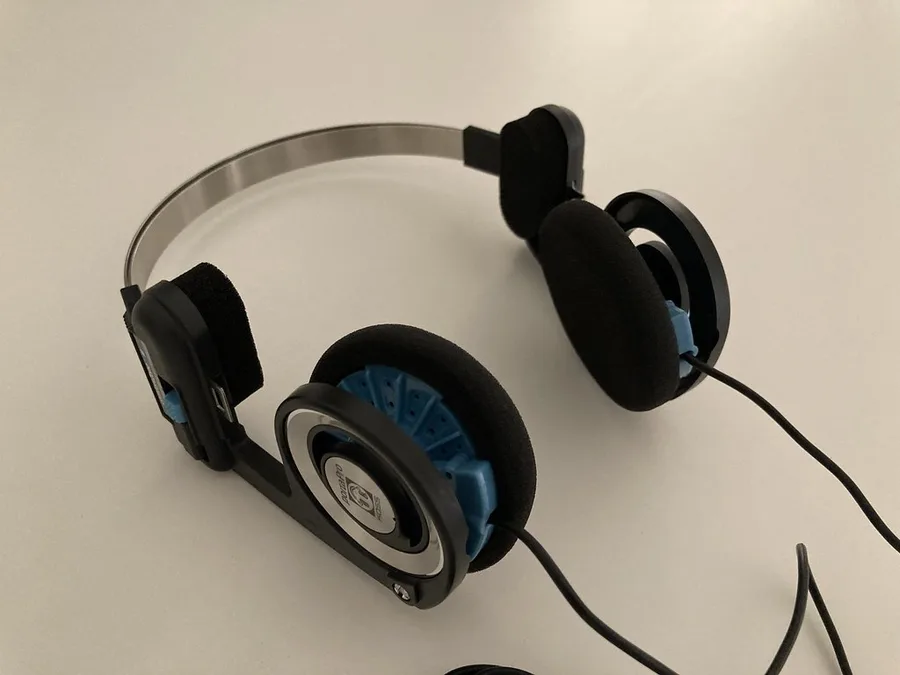
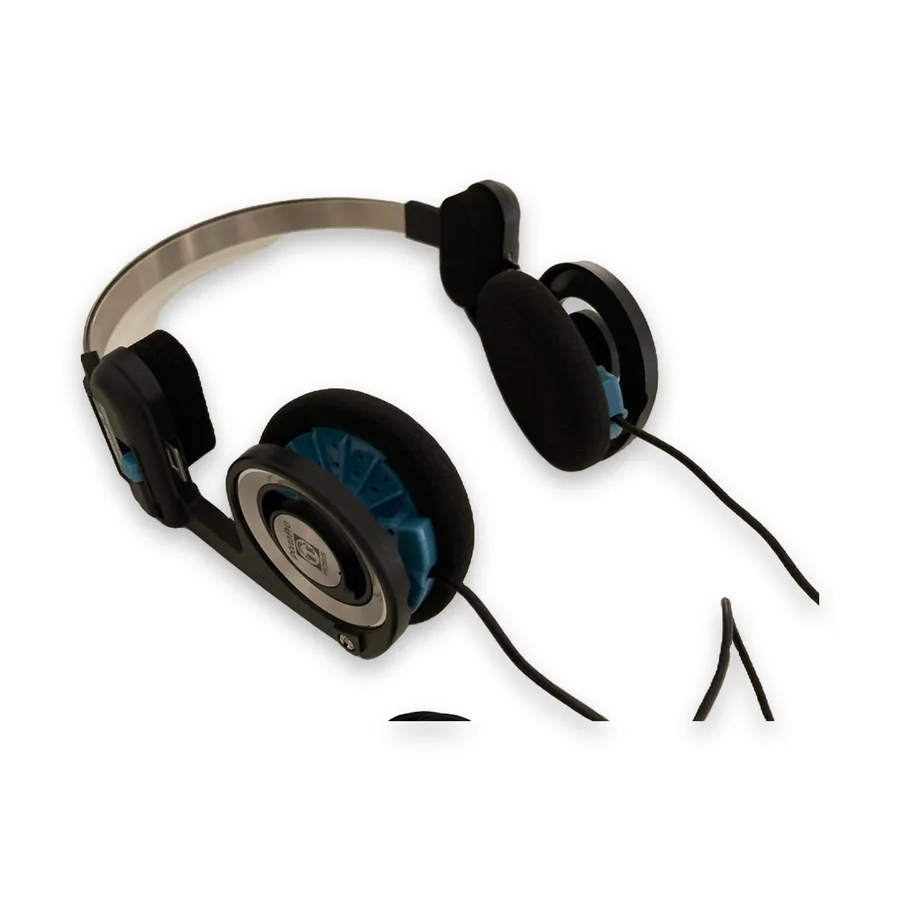
Make yours here (free, nothing is uploaded)
Selling this? Studio lays every finished photo out at Amazon 2000×2000, Etsy 3000×2250, eBay 1600×1600 and Shopify 2048×2048 on pure white, with a soft shadow, in one ZIP. 3 photos a day are free. Open Studio ↓
Studio: marketplace-ready photos Snipbare Studio
Every finished photo × every size, in one ZIP. Sizes follow each marketplace's published photo guidance; check your marketplace's current rules before listing.
Have a Studio key?
Snipbare Studio
Background removal stays free. Studio turns each photo into every marketplace size at once (Amazon, eBay, Etsy, Shopify, Instagram, transparent PNG) with an optional soft shadow, for whole batches. Free users get 3 Studio photos a day to try it.
Card checkout by Stripe; your key appears the moment payment finishes, no account. 14-day money-back promise: if it doesn't work as described, email us within 14 days and we fix it or refund you in full (terms). For comparison, Photoroom Pro is $12.99/month or $7.50/month billed yearly, and remove.bg charges $9 for 40 images (their pricing pages, 1 Oct 2026); both process your photos on their servers.
Step by step
- Add your photos to the box above (drag them in, choose them, or paste one). Several at once is fine.
- Keep Best · products & objects selected. The first time, your browser downloads the model once (about 115 MB) and keeps it; the photos themselves are never uploaded.
- Check the before/after slider. Move the Edge slider right for crisp product outlines, left for fur or fabric.
- Free route: pick White, Product photo (square), size 2000 and JPG (or PNG), then download. 2000 px is within a few pixels of Shopify's 2048.
- Studio route: tick Shopify in Studio for exact 2048 × 2048 exports of a whole batch, with a soft shadow, in one ZIP (3 photos a day free).
Why matching photos matter more than the exact size
Shopify themes show collection pages as a grid. When one product photo is a tall phone shot and the next is a square studio shot, the grid looks uneven and products appear at different sizes. Exporting every product on the same 2048 × 2048 white canvas, with the product filling about the same share of it, is what makes a store look consistent.
PNG or JPG?
Shopify lists PNG as the best file type, then JPEG. For a product on plain white, JPG files are much smaller (our 2048 × 2048 export was 186 KB as a JPG; the transparent PNG version of the same photo at 2000 × 2000 was 1.3 MB), and Shopify resizes images for each device anyway. Use PNG when you need transparency, for example on a coloured theme background.
Transparent product photos on coloured themes
If your theme's product cards aren't white, a transparent PNG lets the product sit on the theme colour. Pick Transparent and PNG in the free tool, or tick Transparent PNG in Studio.
Free vs Studio
Free, unlimited, no account: background removal, transparent PNG, white/colour/blur backgrounds, square product photos from 1000 to 3000 px, batch and ZIP. Studio adds exact canvases for Amazon, Etsy (crop-safe 4:3), eBay, Shopify and Instagram plus a soft shadow, for every photo and every marketplace at once: $9.99 for 30 days (no renewal), $9 a month or $79 a year. 3 Studio photos a day are free to try. Photoroom Pro is $12.99/month or $7.50/month billed yearly, and remove.bg charges $9 for 40 images (their pricing pages, 1 Oct 2026); both process your photos on their servers.
Questions
What is the best Shopify product image size?
Shopify's help center says 2048 × 2048 px usually displays best for square product images. The maximum is 5000 × 5000 px or 25 megapixels, under 20 MB.
Should Shopify product images be square?
Square is the most common choice and is what Shopify's 2048 × 2048 guidance refers to. Whatever shape you use, use the same one for every product so collection grids line up.
What file type should I use on Shopify?
Shopify lists PNG as the best file type, followed by JPEG. JPG files are much smaller for products on plain white; use PNG when you need transparency.
Is the background remover free?
Yes. Background removal, white backgrounds, square product photos and batch ZIP are free and unlimited. Snipbare Studio adds exact marketplace sizes and shadows for whole batches, with 3 photos a day free.
More marketplace guides
Etsy Photo Size 2026 · Amazon Product Image Requirements · eBay Photo Requirements & Size (1600×1600) · How to Make a White Background Product Photo, Free